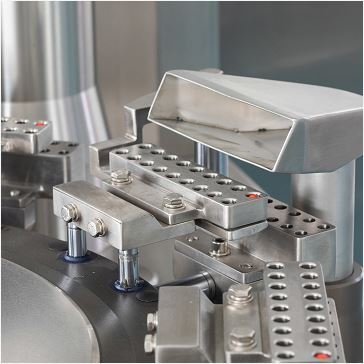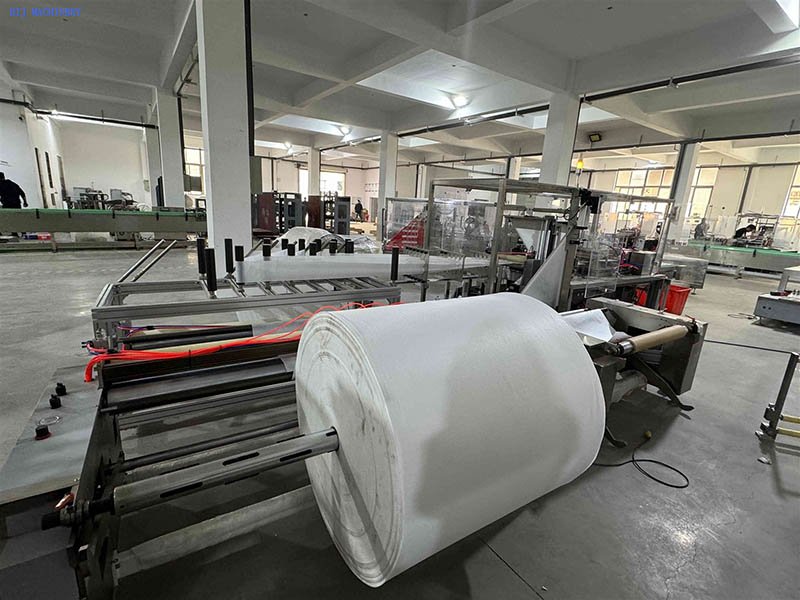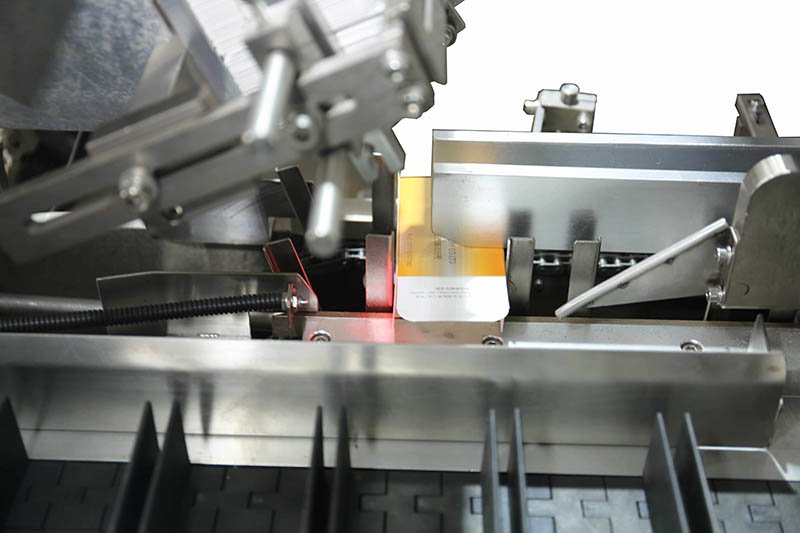
Maintenance guide · erector, loader and sealer faults
Diagnose case packing machine faults by preserving the alarm evidence, checking what changed, and working station by station. The same sequence applies to side-load, robotic and integrated case-packing systems, while the specific checks differ at the loading station.
Start with the material, utilities and last changeover before adjusting the machine. Then isolate the fault to case erection, product collation, loading, flap/pad handling, sealing or the drive/control system. Record the HMI alarm and a short video before clearing it; that evidence makes local and remote diagnosis faster.
Start with a safe, repeatable diagnosis sequence
Random adjustments hide the original fault and make the next shift harder to diagnose. Use the same order every time so the team can prove what changed and what corrected it.
Safety first: stop production and follow your site’s lockout/tagout and stored-energy procedure before entering guarded areas, touching drives, clearing a jam or adjusting mechanisms. Never defeat an interlock to watch a fault occur.
Quick-reference case packer troubleshooting table
| Symptom | Likely area | First safe checks | Escalate when |
|---|---|---|---|
| Blank not picked or double-picked | Erector / magazine | Board flatness and moisture, cup condition, vacuum filter, guide clearance | Vacuum is stable and fresh blanks still fail at the same cycle point |
| Case opens skewed | Erector / squaring | Blank score lines, guide position, cup contact and opening timing | The blank meets specification but squareness drifts mechanically |
| Array never completes | Infeed / collation | Upstream starvation, sensor contamination, product dimensions, lane guides | Products arrive consistently but the PLC count or sequence remains wrong |
| Products scuffed or crushed | Side-load pusher | Case position, flap intrusion, guide setting and approved servo recipe | Alignment is correct but drive current or resistance remains high |
| Products dropped or off-pattern | Robotic loader | Pick-point timing, end-of-arm tooling, vacuum/air and product presentation | Inputs are repeatable but the robot repeats a position or drive fault |
| Pad missing or skewed | Pad magazine / tooling | Pad flatness, guide setting, cup condition and sensor state | Good pads and correct setup still fail at one station |
| Flaps misfold | Case squaring / folders | Check case squareness first, then folder rails and incoming dimensions | The case is square and in tolerance but the fold mechanism drifts |
| Tape lifts or cuts poorly | Tape sealer | Flap surface, tape condition, blade cleanliness, roll brake and wipe pressure | Material tests pass but the applicator cannot repeat the cut or wipe |
| Hot-melt bond is weak | Adhesive system | Glue grade, tank/hose/nozzle temperature, bead pattern and compression time | Settings match the adhesive datasheet but flow or control remains unstable |
| Servo or PLC alarm repeats | Drive / controls | Capture the exact code, inspect for safe mechanical resistance, confirm recent edits | The code returns after the permitted checks—start manufacturer diagnostics |
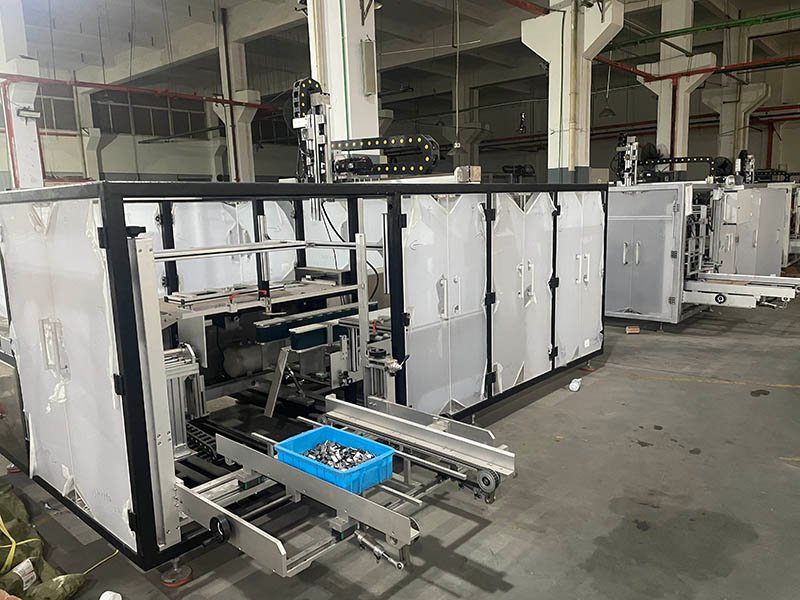
Case erection faults: misfeeds, double-picks and poor squaring
Case erection is sensitive to the relationship between corrugated-board condition, magazine setup, suction contact and opening timing. If faults start with a new board delivery or a humid storage period, test known-good dry blanks before touching timing values.
Check in this order
- Blank condition: flatness, score lines, surface finish and dimensions against the approved case specification.
- Magazine: side-guide clearance, blank pressure and correct setup for the active format.
- Vacuum path: clean cup faces, inspect cups and tubing, then verify the filter and gauge value against the machine manual.
- Opening and squaring: compare mechanism positions and timing with the validated recipe; do not create a new baseline during a fault.
A parallelogram-shaped case often causes a later flap-folding or loading fault. Confirm squareness at the erector exit before adjusting downstream folders.
Collation and infeed faults: missing counts, lane jams and unstable flow
A case packer cannot build a repeatable load pattern from irregular upstream flow. Watch the infeed through multiple cycles before blaming the packer. Gaps, damaged products or dimensional variation can prevent the array from completing even when the sensors and PLC are operating correctly.
- Clean and align counting or presence sensors according to the maintenance manual.
- Confirm lane guides and recipes match the active SKU.
- Check accumulation and hand-off timing between upstream equipment and the packer.
- Trace damaged products upstream instead of repeatedly widening the packer guides.
Why does a case packer jam with irregular-shaped products?
A useful starting hypothesis is that the product no longer reaches the loading point in the position, shape or grouping expected by the approved setup. A pouch can change shape, a projecting cap can catch, or an unstable group can spread during transfer. Locate the first loss of control before treating a downstream alarm as the root cause.
Keep the investigation safe: observe only from outside closed guards. Before touching a jam, guides or tooling, authorized personnel must follow the machine-specific isolation and stored-energy procedure. An emergency stop is not a substitute for energy isolation. See OSHA’s hazardous-energy guidance.
1. Check orientation at each hand-off
Compare the incoming product, completed group and loading point with the approved sample. Record where a pack first turns, leans or overlaps. A correct final count does not prove that the group is correctly presented.
2. Compare the complete product outline
Include caps, handles, seals and filled-pack bulges when comparing a failing sample with the approved format. Check the specified case opening and guide settings; do not assume nominal carton dimensions describe the available loading clearance.
3. Check whether the group stays together
Does the pattern remain stable from collation to loading, including a permitted stop and restart? Record spreading, tipping or deformation and the first station where it appears. Do not compensate by arbitrarily widening guides or increasing pusher force.
4. Review the loading method and tooling
A flexible pack may need different support from a rigid retail carton. Ask the equipment supplier to review the product, pattern and contact surfaces together before changing tooling or motion settings. Top-loading is not automatically suitable for every irregular pack.
Record the comparison: identify the SKU, material batch, failed sample, approved sample, recipe version, jam location and cases attempted versus jams observed. After an authorized correction, repeat the agreed trial under comparable conditions and record any damage. One successful case is not evidence that the fault has been resolved.
These are diagnostic questions, not a universal fault diagnosis or a promise that an existing HIJ model accepts every product shape. General engineering context: loading direction and product rigidity, and product orientation through secondary packaging. These references describe general handling considerations, not HIJ machine specifications.
Loading faults: separate side-push and robotic checks
Side-load or side-push case packer
If a grouped load stalls, scuffs or enters the case at an angle, verify the case clamp and position, confirm that no flap obstructs the opening, and restore the approved guide and servo recipe. With power isolated, inspect the guide path for contamination or mechanical resistance. Do not increase pusher force to compensate for misalignment.
Robotic or pick-and-place case packer
If products are dropped or placed off-pattern, first observe product presentation at the pick point. Then inspect end-of-arm cups, pads or grippers as a matched set and verify vacuum or air at the machine under load. Only after the product and tooling are repeatable should a qualified technician review taught positions or robot alarms.
Pad, flap and sealing faults
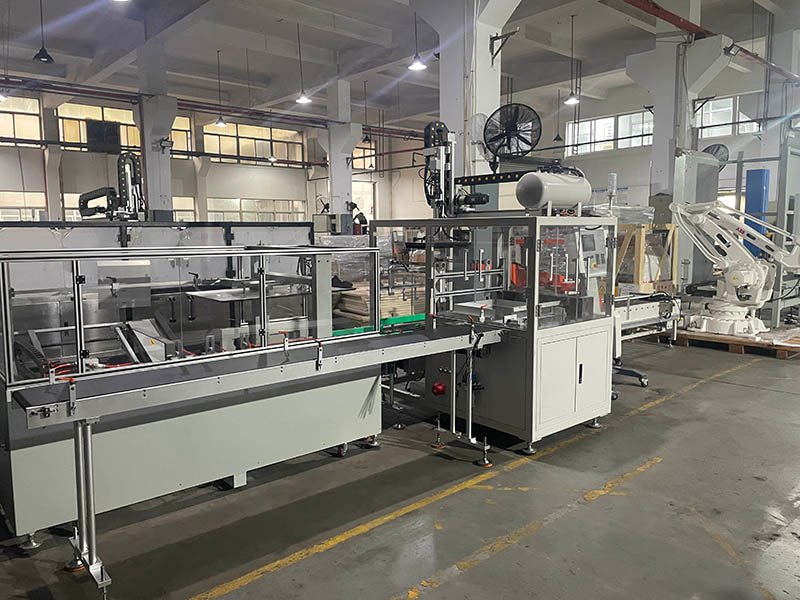
Pads and flap folders
Skewed pads follow the same material-and-magazine logic as case blanks. Misfolded flaps commonly originate from a case that was never square, so check the erector result before moving folder rails. Measure the incoming case rather than assuming the current delivery matches the previous batch.
Tape sealing
Test adhesion on a clean sample flap. Dust, moisture and fiber shedding can look like a machine fault. If the surface is suitable, inspect the blade, roll brake, tape path and wipe pressure according to the sealer manual. Use tape stored within its supplier’s stated conditions.
Hot-melt sealing
Verify adhesive grade and the supplier’s temperature window before changing setpoints. Then check tank, hose and nozzle readings, bead continuity and compression time. Stringing, missing beads and weak bonds can have different causes, so avoid treating all three as a single “temperature problem.”
Preventive maintenance that makes faults easier to diagnose
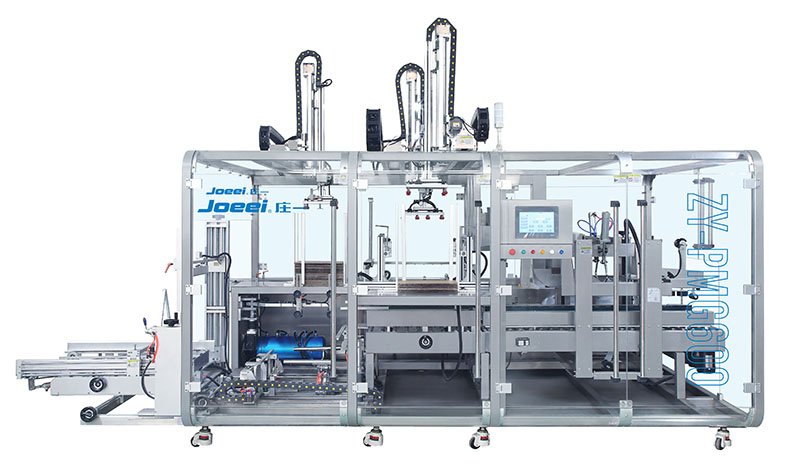
Use the intervals in the machine manual and adapt them to dust, humidity, speed and duty cycle. The purpose is not only to prevent wear; it is to preserve a known-good baseline.
| When | Minimum checks | Record |
|---|---|---|
| Before each shift | Guards and interlocks, air/vacuum indication, cups or grippers, sensors, board and consumables | Abnormal condition and corrective action |
| After a changeover | Recipe, format parts, guide positions, first cases at reduced speed and accepted sample | SKU, recipe version and verified scale positions |
| Scheduled maintenance | Filters, lubrication points, belts/chains, blades/nozzles, tooling wear and sensor alignment | Parts replaced, readings and next due interval |
| Periodic review | HMI fault history, repeat alarms, board/consumable batches and critical-spares stock | Trend, owner and follow-up date |
Back up approved recipes and photograph scale positions after commissioning. A short change log beside the HMI helps the next technician distinguish a machine fault from a new material, setting or operating condition.
When to stop adjusting and call technical support
Escalate when a fault survives one complete pass through the relevant station checks, returns after a permitted reset, involves repeated servo/PLC codes, or requires entry into a guarded area beyond your team’s authorization.
Prepare six items: machine model and serial number, exact HMI alarm, affected station, a video that shows the full sequence, what changed recently, and a list of checks already completed. Do not clear evidence or alter multiple settings before the support session.
HIJ owners can use the service and support page. For future projects, capture the required alarms, access, spare parts and acceptance tests in a case packing machine URS.
Frequently asked questions
Why does my case packing machine stop after a changeover?
The usual causes are an incorrect recipe, format parts not fully seated, guide positions left from the previous SKU, sensor alignment or a case/product dimension that differs from the approved format. Re-run the documented changeover and verify the first cases at reduced speed before adjusting hardware.
Why does a case erector keep misfeeding blanks?
Check blank flatness, moisture and score lines first, then magazine clearance, vacuum-cup condition, tubing, filters and the vacuum reading specified by the machine manual. Test known-good blanks before changing opening timing.
Why are products damaged during side-push loading?
Damage usually points to case-to-pusher misalignment, a flap obstructing the case mouth, incorrect guides, the wrong motion recipe or resistance in the product path. Restore the approved setup and inspect the path safely rather than increasing pusher force.
Why does a robotic case packer drop products?
Verify that products arrive consistently at the pick point, then inspect end-of-arm cups, pads or grippers, vacuum or air supply and product surface condition. If those inputs are stable, review the robot alarm and taught positions with a qualified technician.
Why is case-sealing tape lifting?
Start with the flap surface and tape condition. Dust, moisture, fiber shedding or cold tape can reduce adhesion. Next inspect the blade, tape path, roll brake and wipe pressure using the sealer manual.
What should I send before a remote troubleshooting session?
Send the machine model and serial number, exact HMI alarm, affected station, a video showing the full fault sequence, recent changes and the checks already completed. Preserve this evidence before resetting or changing multiple settings.
Send the alarm and fault video
Share the machine details, HMI code and a short video showing the complete sequence. HIJ engineers can review the evidence and identify the next safe diagnostic step.
Request technical support